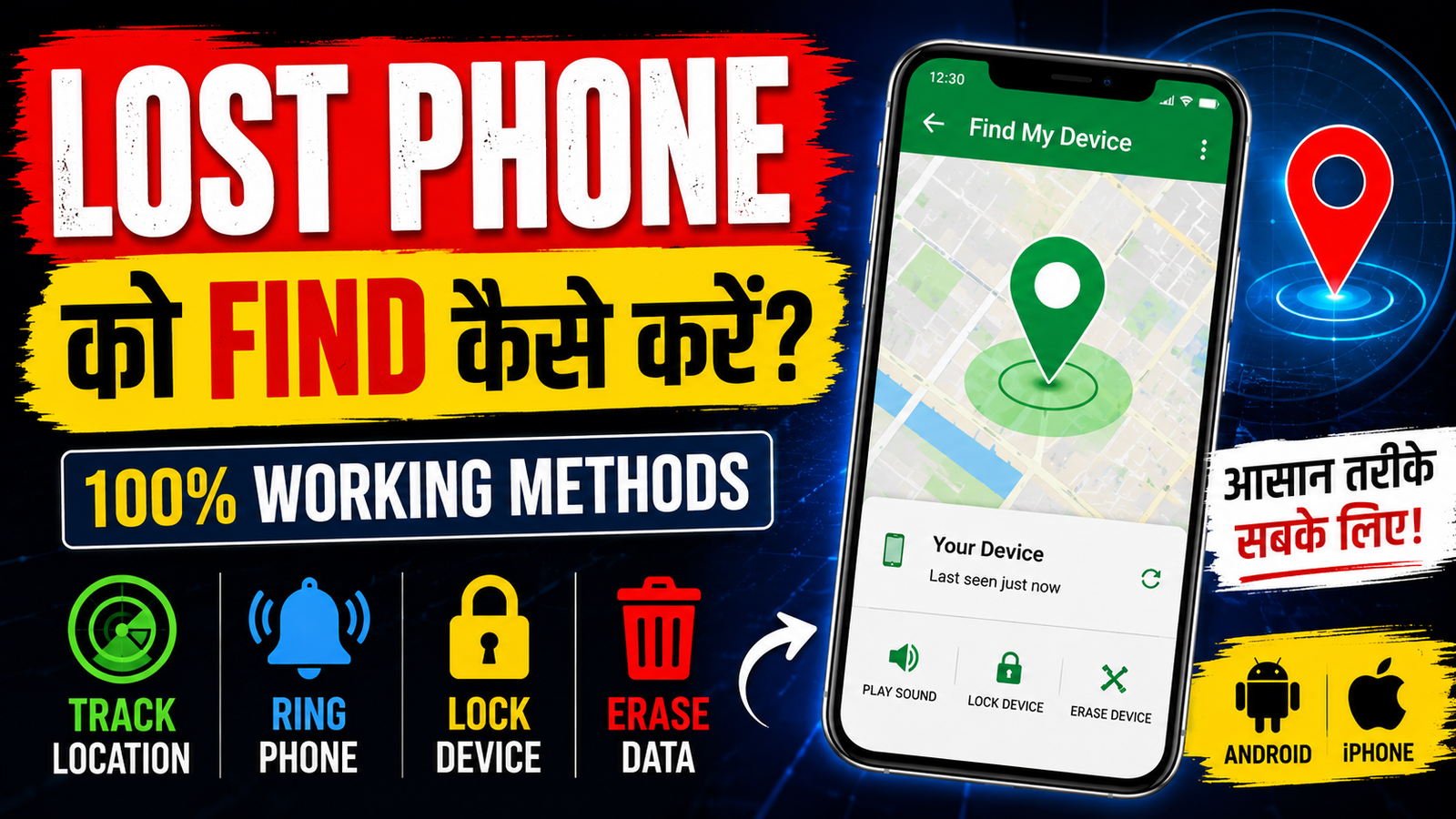
Losing your smartphone can be stressful, especially when it contains your personal photos, contacts, documents, and important accounts. The good news is that both Android and iPhone offer built-in tools that can help you locate your device.
In this guide from RBS Mobile, you’ll learn how to track a lost phone, protect your personal data, and improve your chances of recovering your device.
How to Find a Lost Android Phone
If your Android phone is connected to a Google account and has Location enabled, follow these steps:
- Open a browser and visit Google’s Find My Device service.
- Sign in with the same Google account used on your phone.
- Select your lost device.
- You can:
- View its current or last known location.
- Play a sound, even if the phone is on silent.
- Lock the device with a message and contact number.
- Erase all data if recovery is no longer possible.
Tip: Keep GPS and Find My Device enabled before your phone is lost.
How to Find a Lost iPhone
If you use an iPhone:
- Open Apple’s Find My app on another Apple device or sign in to iCloud.
- Select your missing iPhone.
- You can:
- See its location on the map.
- Play a sound.
- Enable Lost Mode.
- Erase the device remotely if needed.
What to Do Immediately After Losing Your Phone
- Call your phone from another device.
- Check recent locations where you may have left it.
- Use Find My Device (Android) or Find My (iPhone).
- Change passwords for important accounts if you suspect theft.
- Contact your mobile network provider to block the SIM card.
- File a police report if the phone has been stolen.
Can You Track a Phone Using Only the Phone Number?
Many websites claim that you can track a phone using only a mobile number. In most cases, this is not possible for the general public. Reliable tracking usually requires:
- Your Google or Apple account,
- The phone’s location services to be enabled,
- Or assistance from your mobile carrier or law enforcement.
Be careful of websites or apps that promise “free phone number tracking” and ask for sensitive information.
Tips to Protect Your Phone
- Always enable Find My Device or Find My.
- Keep Location Services turned on.
- Use a strong screen lock.
- Enable two-factor authentication on important accounts.
- Back up your data regularly.
Frequently Asked Questions
Can I track my phone if it is switched off?
You may only see its last known location. Live tracking is generally not available until the device is turned on again.
Can I find my phone without the internet?
If the device is offline, you may see its last recorded location. Live updates require an internet connection.
Is it safe to use third-party tracking apps?
Use trusted apps only. Avoid unknown websites that ask for payments or personal information without clear justification.
Conclusion
Losing a phone doesn’t always mean losing your data. By using the built-in tracking features from Google or Apple and acting quickly, you can improve your chances of recovering your device and protecting your personal information.
At RBS Mobile (rbsmobile.in), we regularly publish helpful technology guides, AI tools, photo editing prompts, and practical smartphone tips to help you stay informed.
Find Lost Phone
Enter your phone number