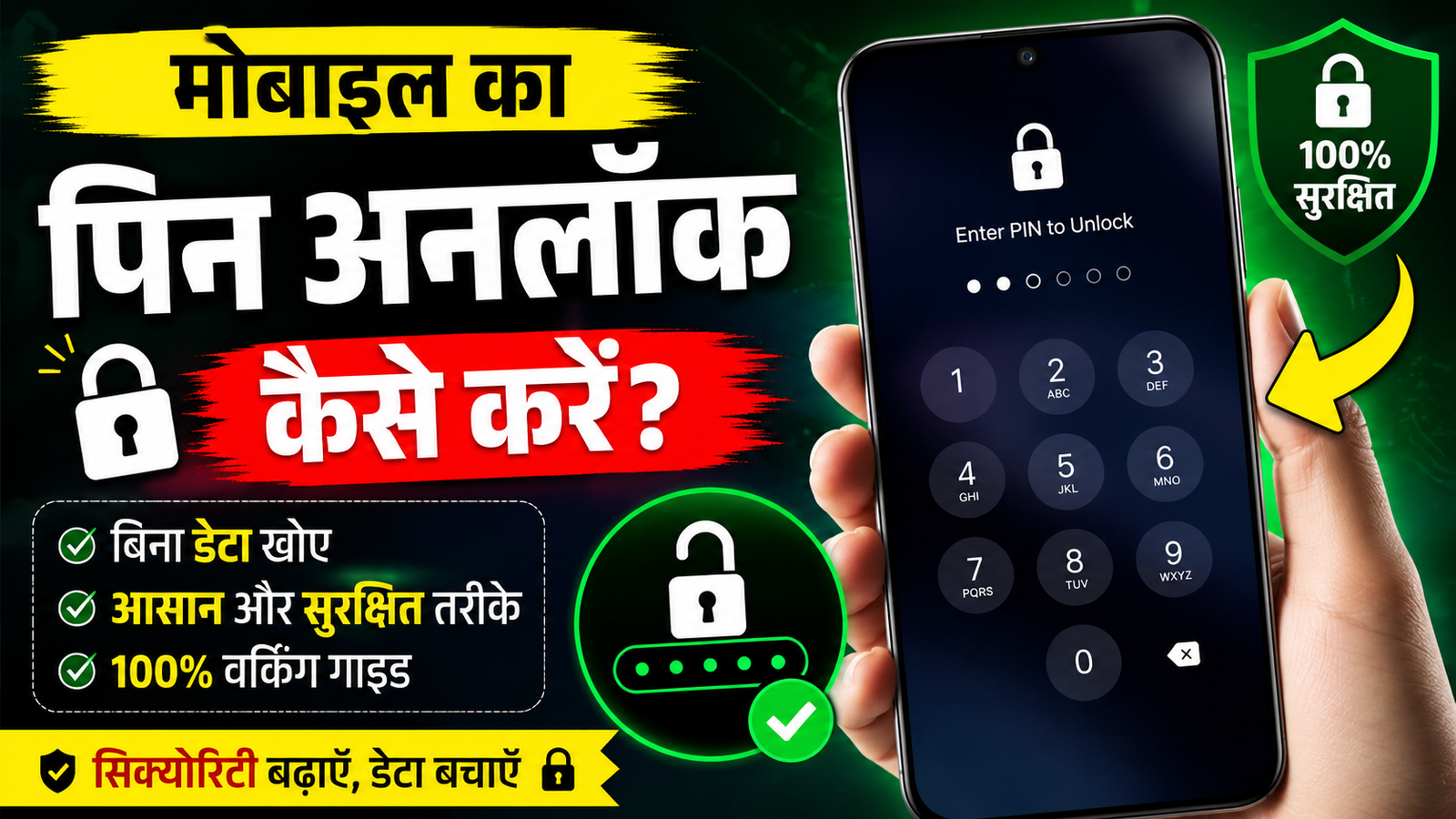
Forgetting your mobile PIN can be frustrating, especially when your phone contains important contacts, photos, documents, and personal information. Fortunately, there are safe and official ways to regain access to your device without putting your data or security at risk.
In this guide by RBS Mobile, you’ll learn what to do if you forget your phone’s PIN and how to keep your smartphone secure in the future.
What Should You Do If You Forget Your Mobile PIN?
If you’ve forgotten your device PIN, don’t panic. Avoid trying random PINs repeatedly, as this may temporarily lock your device or require additional verification.
Instead, follow the official recovery options provided by your device manufacturer.
For Android Phones
Depending on your device brand and Android version, you may be able to:
- Use your Google account during the recovery process (if supported).
- Use your manufacturer’s official recovery options.
- Visit an authorized service center if necessary.
- Reset the device using official recovery methods if you no longer remember the PIN and have no other recovery option.
Important: A factory reset may erase data that has not been backed up.
For iPhone Users
If you forget your iPhone passcode, Apple provides official recovery options through recovery mode. After verification, you can restore the device and recover your data from an iCloud or computer backup if available.
How to Protect Your Phone
A strong security setup helps protect your personal information from unauthorized access.
Here are some useful tips:
- Use a unique PIN that is difficult to guess.
- Enable fingerprint or face unlock for convenience.
- Turn on two-factor authentication for important accounts.
- Keep your phone updated with the latest software.
- Back up your data regularly using cloud or local backups.
- Enable the official “Find My Device” (Android) or “Find My” (iPhone) feature.
- Never share your PIN, OTP, or passwords with anyone.
Common Mistakes to Avoid
Many websites and videos claim they can unlock any phone without verification. Be careful.
Avoid:
- Downloading unknown unlocking tools.
- Sharing your Google, Apple, or banking credentials.
- Paying unknown websites that promise instant unlocking.
- Installing apps from untrusted sources.
Always use official recovery methods provided by your device manufacturer.
Frequently Asked Questions
Can I unlock any phone without the correct PIN?
No. Modern smartphones are designed to protect user data. If you forget your PIN, use the official recovery options available for your device.
Will a factory reset remove my PIN?
Yes, but it may also erase data that has not been backed up. Make sure you understand the consequences before resetting your device.
How can I avoid forgetting my PIN?
Choose a memorable but secure PIN, enable biometric authentication, and keep regular backups of your important data.
Conclusion
Your phone’s PIN is one of the most important layers of security protecting your personal information. If you forget it, always use the official recovery methods instead of relying on unknown tools or services.
At RBS Mobile (rbsmobile.in), we regularly publish helpful smartphone guides, AI tools, photo editing prompts, and technology tips to help you use your devices safely and effectively.