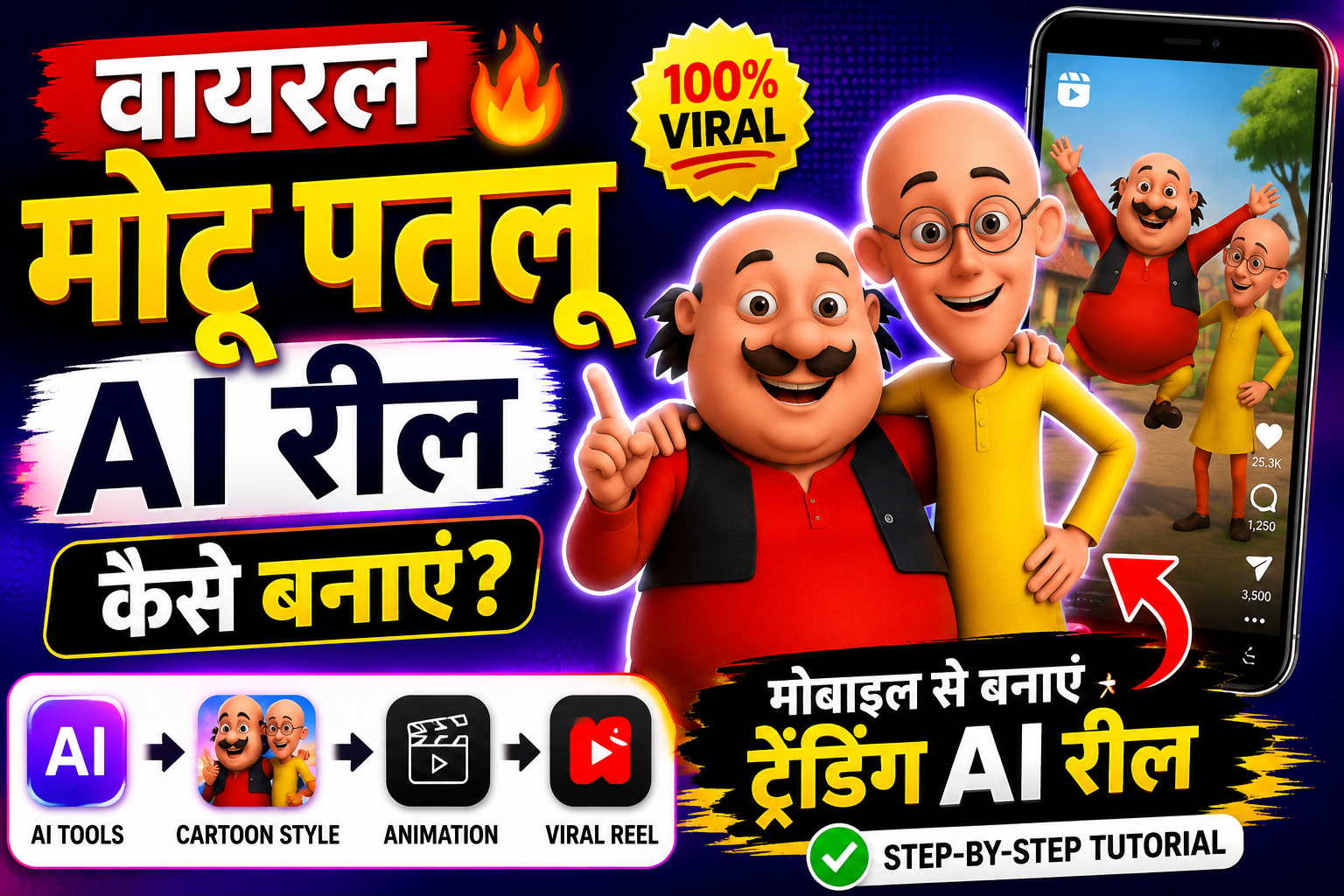
अगर आपने हाल ही में Instagram Reels, YouTube Shorts या Facebook Reels स्क्रॉल किए हैं, तो आपने जरूर Motu Patlu AI Style Reels देखी होंगी। ये वीडियो अपनी मजेदार स्टोरी, AI Animation और शानदार Editing की वजह से तेजी से वायरल हो रही हैं। अगर आप भी ऐसी AI Reel बनाना चाहते हैं, तो यह गाइड आपके लिए है।
नोट: Motu Patlu एक कॉपीराइटेड कैरेक्टर है। इसलिए बिल्कुल वही कैरेक्टर कॉपी करने के बजाय, उसी तरह की Original Cartoon Style में अपने खुद के कैरेक्टर बनाएं।
Viral Motu Patlu AI Reel कैसे बनाएं?
सबसे पहले आपको एक छोटी और मजेदार Story तैयार करनी होगी। कोशिश करें कि वीडियो 20 से 30 सेकंड के बीच हो ताकि लोग पूरा वीडियो देखें।
इसके बाद ChatGPT या Gemini जैसे AI टूल की मदद से Story, Dialogue और Image Prompt तैयार करें। फिर किसी AI Image Generator से अपने Original Cartoon Characters बनाएं। ध्यान रखें कि कैरेक्टर यूनिक हों और किसी कॉपीराइटेड डिज़ाइन की कॉपी न हों।
अब AI Video Generator की मदद से Images को Animate करें। इसमें Camera Movement, Character Animation और Face Expressions जोड़ें ताकि वीडियो ज्यादा आकर्षक लगे।
वीडियो तैयार होने के बाद AI Voice जोड़ें और Background Music या Sound Effects लगाएं। आखिर में किसी Video Editing App से Captions, Zoom Effect और Smooth Transition जोड़कर वीडियो को Export करें।
Viral होने के लिए कुछ जरूरी Tips
- वीडियो की शुरुआत पहले 3 सेकंड में आकर्षक रखें।
- Reel को 20–30 सेकंड के अंदर रखें।
- HD Quality (1080×1920) में Export करें।
- Trending Hashtags का इस्तेमाल करें।
- Regular Content Upload करें।
- Original Content बनाएं, Copy-Paste से बचें।
कौन-कौन से AI Tools इस्तेमाल कर सकते हैं?
- ChatGPT – Script और Prompt बनाने के लिए
- Google Gemini – Creative Ideas के लिए
- AI Image Generator – Cartoon Style Images बनाने के लिए
- AI Video Generator – Animation के लिए
- AI Voice Generator – Voiceover के लिए
- CapCut या किसी भी Video Editor – Final Editing के लिए
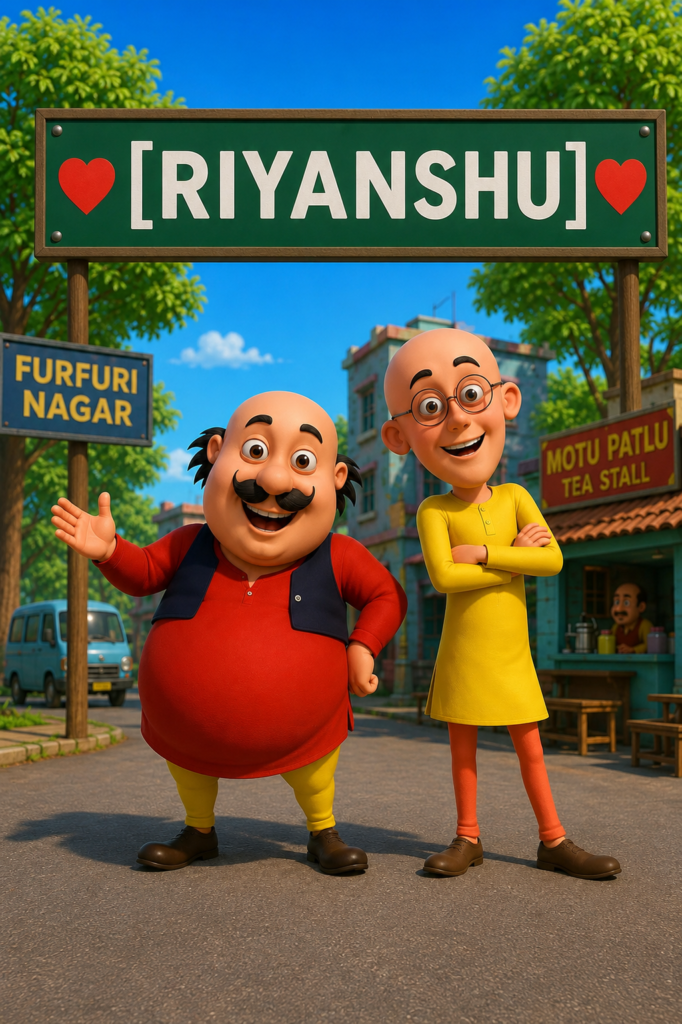
PROMPT – A high-quality 3D animated rendering, based exactly on image_0.png, featuring the characters Motu and Patlu standing in the same poses on the tree-lined road. Above them is the same green sign, held by the same posts. The sign retains the red heart symbol on the far left and the red heart symbol on the far right. The text in the center of the sign, previously is seamlessly and cleanly replaced with the text “[RIYANSHU]”. The font, text color (white), and centering are perfectly matched to the original sign. All other elements, including the characters’ clothing, expressions, and the background environment, remain identical to image_0.png.
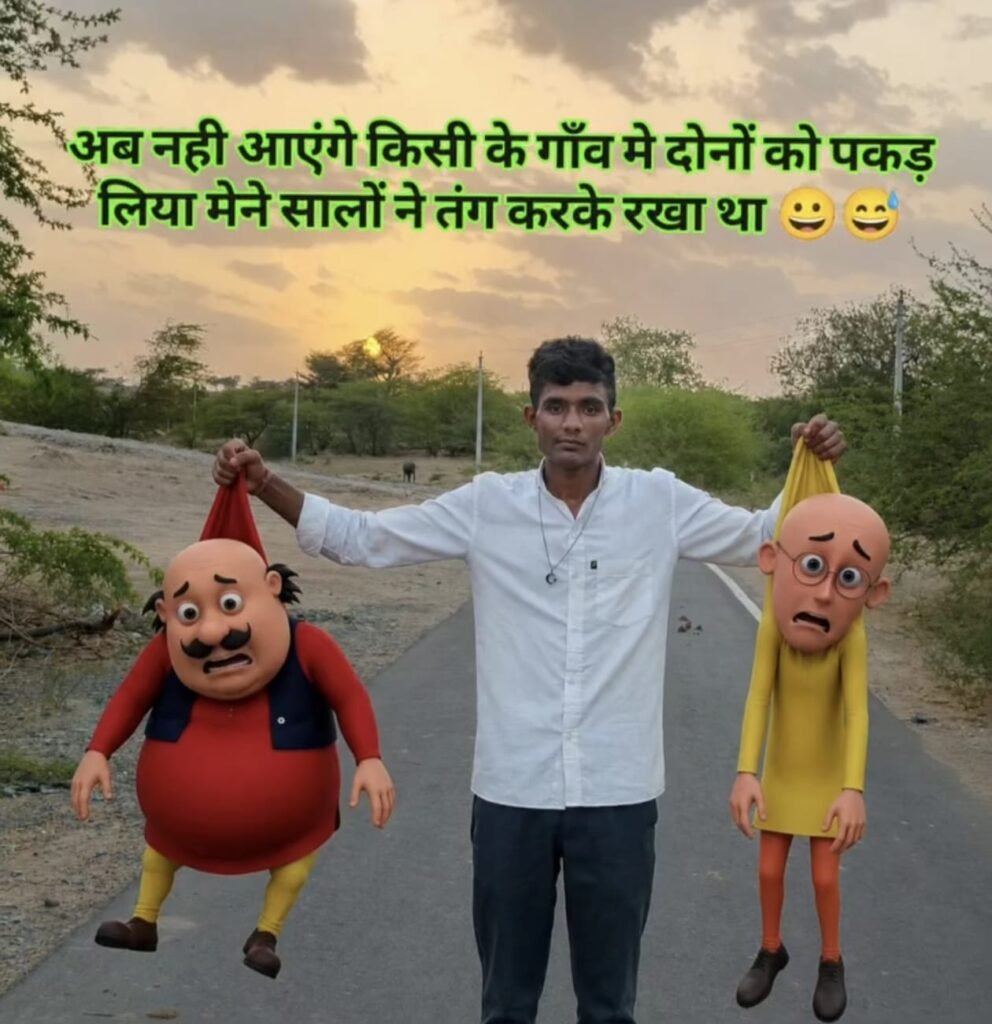
PROMPT- Use my uploaded photo as the exact face and body reference. Keep my face, hairstyle, skin tone, expression, body proportions, and the exact same white shirt, black pants, necklace, footwear, and overall appearance unchanged. Create a photorealistic cinematic sunset scene on an empty rural village road with warm golden-hour lighting, dramatic clouds, trees, realistic depth of field, and high-end cinematic color grading. I am standing confidently in the center of the road with both arms fully stretched sideways.
In my left hand, I am tightly gripping Motu by the back collar/top of his red shirt, exactly like lifting someone by their clothes. In my right hand, I am tightly gripping Patlu by the back collar/top of his yellow kurta in the exact same way.
IMPORTANT: Match the holding style exactly like the reference image. Motu and Patlu are NOT upside down. Their heads must remain upright, facing the camera, with their full bodies hanging naturally below because they are being lifted by their clothes. Only the upper part of their shirts should stretch upward where my hands are gripping them. Show realistic fabric stretching, realistic gravity, natural dangling arms and legs, accurate shadows, and believable weight. Do NOT rotate, flip, invert, twist, or hang the characters upside down.
Motu and Patlu must look exactly like the original TV cartoon characters in ultra-realistic Pixar-style 3D with 100% accurate faces, body shapes, skin colors, clothing, proportions, hairstyles, and funny scared expressions. Their bodies should hang naturally while their faces remain clearly visible and upright.
Add bold Hindi meme text at the top in bright neon green with a thick black outline and soft glow:
“अब नही आएंगे किसी के गाँव मे दोनों को पकड़ लिया मैंने सालों ने तंग करके रखा था 😀😅”
Keep the text centered and large. No extra people, vehicles, animals, buildings, text, watermark, logo, or unnecessary background objects. Ultra-photorealistic, cinematic composition, viral meme thumbnail quality, HDR lighting, ultra-detailed textures, sharp focus, 8K, highly realistic.
निष्कर्ष
आज के समय में AI की मदद से Viral Cartoon Style Reels बनाना पहले से कहीं ज्यादा आसान हो गया है। अगर आप Original Story, शानदार Editing और सही AI Tools का इस्तेमाल करते हैं, तो आपकी Reel भी सोशल मीडिया पर अच्छा प्रदर्शन कर सकती है। rbsmobile.in पर हम ऐसे ही नए AI Tutorials, Editing Tips और Trending Guides शेयर करते रहते हैं, ताकि आप हमेशा नई टेक्नोलॉजी के साथ अपडेट रहें।